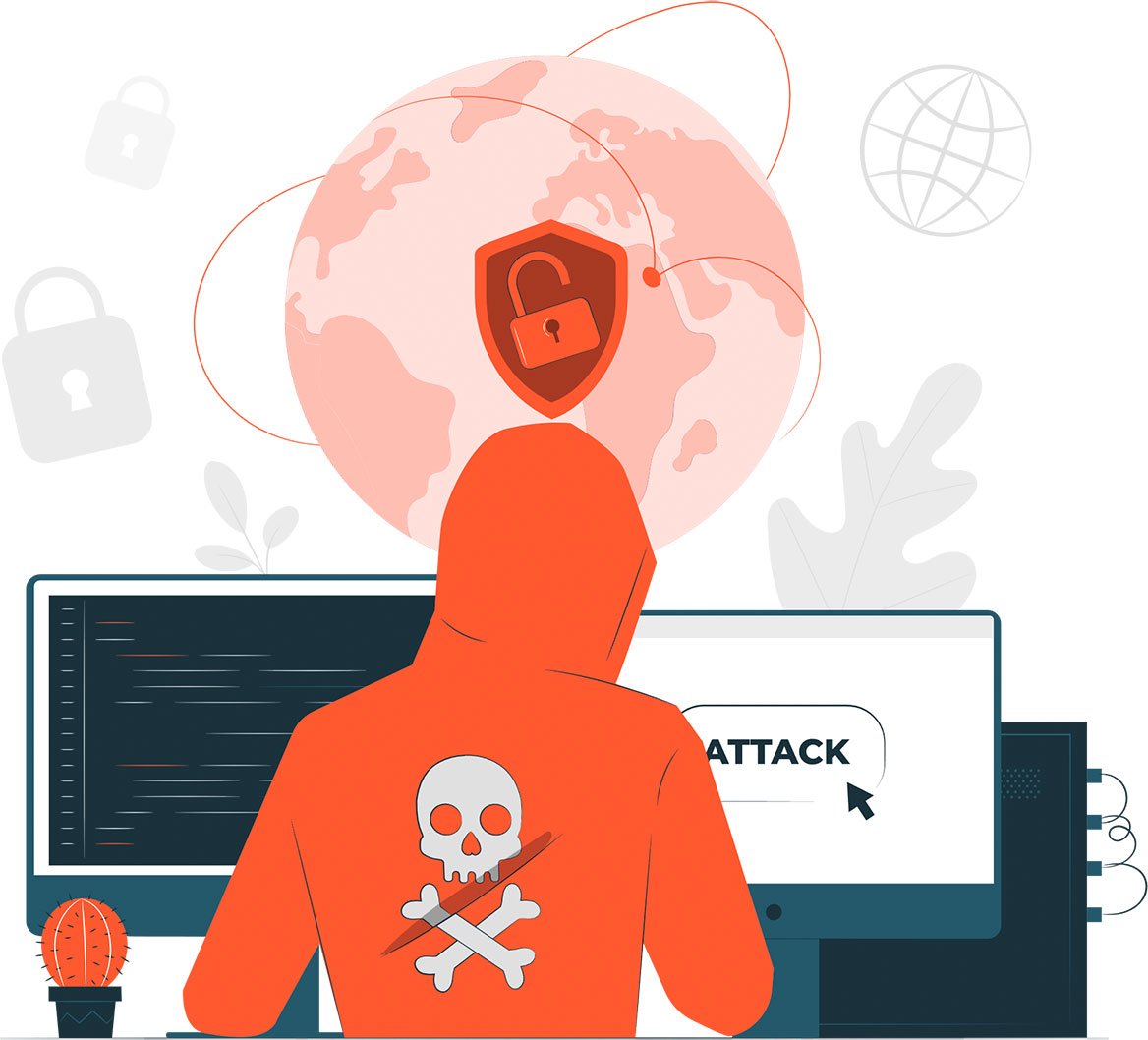
Is your WordPress website hacked or infected with malware?
We are WordPress malware removal experts. We will remove malware, fix your hacked WordPress site, and make it secure again.
We’ve already helped over 1K+ clients & will help you too.
You only pay **after your site is fully cleaned and you’re 100% satisfied.**

If your WordPress website is hacked or infected with malware, you’ll usually notice some common warning signs. Below are a few key symptoms that could mean your site is malware infected. If you notice any of these, it’s important to take immediate action right away to avoid further damage.
If your WordPress site suddenly loads very slowly, it could be due to hidden malware using up your server resources. A deep WordPress malware scan can help identify and remove the cause.

Are your visitors being redirected to strange or adult sites? That’s a classic sign of redirect malware. We can help you fix your hacked WordPress website fast and stop malicious redirects.

Seeing random error messages or your browser is showing a red warning page? This could mean your site is blacklisted or infected with a virus. Use a website virus checker or let our WordPress security experts handle it for you.

If unknown users appear in your WordPress admin panel, your site may have been hacked. Our WordPress hack cleanup service can help you remove these users and secure your WordPress site.

Browsers like Chrome may block your site with a big red warning if malware is detected. We offer full hacked site repair to clean and request a review for blacklist removal.

Strange files or folders like wp-tmp.php, backdoor.php, or scripts using base64_decode() often indicate a malware infection. Our WordPress vulnerability scanner and manual inspection can find malware in your website and remove it safely.
We don’t just remove malware. We provide complete WordPress malware removal service to restore your website’s health, and make sure it stays safe in the future.
After removing malware, we carefully check and fix any broken parts of your site. We will restore everything just the way it was. You’ll get a fully working, secure WordPress site again. This is full hacked site repair, not just a cleanup.
Our WordPress malware cleaner checks every part of your site. We scan core files, themes, plugins, and database for hidden malware. Then we clean it all without losing your data. It’s safe, deep, and 100% manual.
Malware cleaning isn’t enough. That’s why we add smart security features like WordPress firewalls, login protection, and other tools to prevent future hacks. With us, your website doesn’t just get clean, it gets strong.
Is your website showing warnings like ‘This site may harm your computer’? That means Google blacklisted your site. We’ll help remove it from the blacklist and fix any SEO problems caused by the malware.
We stand behind our work. If your website gets infected again within 30 days of our service, we’ll clean it again for free. That’s our promise to give you total peace of mind.
Price
Our step-by-step malware removal process ensures your WordPress site is thoroughly cleaned and secured.

Tell us about the malware problem you’re experiencing. The more details you share, the faster we can fix it.

Our team of professionals will immediately back up your site and fix the issue to get you back online quickly.

You’ll only pay after we’ve cleaned your site, and you’re completely satisfied with the results.
WPBravo has over 14 years of experience in helping businesses recover from hacks and malware. We’ve successfully helped over 1K clients, and we’re ready to help you too. Plus, you only pay once your site is fully cleaned.
At WPBravo, we don’t use bots or automated scripts. Our team manually scans and cleans your site to ensure the best results.
Our malware removal services start at just $49. And the best part? You only pay once the job is done and you’re 100% happy.
We don’t just remove malware. We add strong security features like firewalls, login protection, and more to keep your site safe.

Hackers don’t rest. He will try again and again. That’s why after malware removal, continuous monitoring is key to keeping your website safe. We offer affordable plans for ongoing WordPress malware protection. With 24/7 monitoring, automatic updates, and real-time alerts, your site will stay secure while you sleep.

Pick the right malware removal package. No hidden fees, guaranteed clean or your money back.
Knowing how malware gets into your WordPress site can help you stop future attacks. Below are the most common ways hackers infect WordPress websites.
If your website uses old themes or plugins, they might have security holes. Hackers find these weak spots and use them to put bad files (malware) into your site.
Shared hosting means many websites live on one server. If one site gets infected, others can also be at risk. It’s like living in the same house, if one room catches fire, others might too.
If you don’t update or backup your site regularly, recovery after an attack becomes much harder.
Trusted by Clients Worldwide
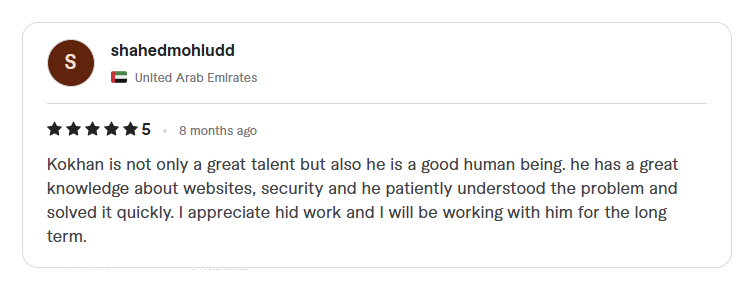
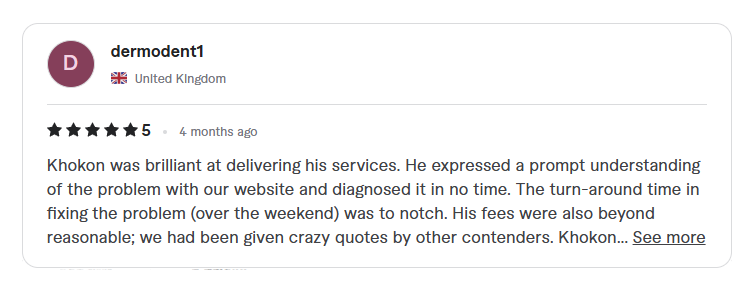
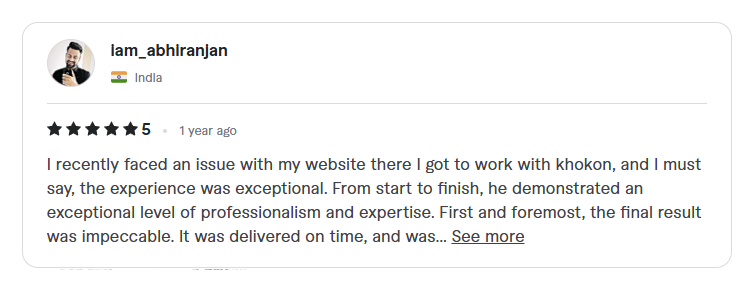
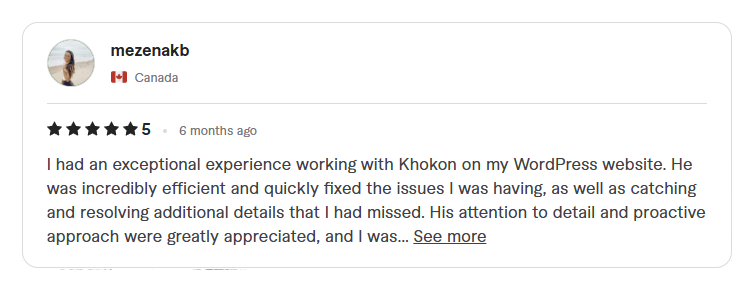
We’ve worked with amazing clients on different marketplaces like Fiverr and UpWork. Here are some real reviews they left after getting our service.
Still Have Questions? Here are answers to common questions about WordPress malware removal services.
Your website can still have malware even if it seems to load fine. Though, there has some common signs of a malware infection.
Website redirects to unknown pages
Slow loading speed
Strange pop-ups
Google showing a warning message
You might also find unknown files on your server or notice suspicious user activity in your WordPress dashboard.
To be sure, use a trusted malware scanner or a good WordPress security plugin. But the best and safest option is to contact a pro like us. We can scan your website properly and remove any hidden threats. You can ask us for free malware scan too.
If your website is hacked, put your site in maintenance mode fast to protect visitors.
Then, scan your website for malware, delete infected files, change all passwords, and update WordPress, themes, and plugins. Finally, install a security plugin to prevent future attacks.
If you’re not sure how to do it, hire a WordPress malware removal expert like us.
It depends on the level of infection and the size of the site. Our malware cleanup services start from $45 to $450.
Most websites are cleaned within 24 hours. Urgent fixes are available too.
Nope! In most cases, your site stays live while we work in the background.
I offer a 1-month guarantee. If it comes back, I’ll fix it again for free.
I will make sure your website is secure. I will block all security whole.
Though nothing is safe in the world, so you have to monitor your site to keep it safe.
I have a great news for you. You can hire me to monitor you site at lowest cost ever. I will take care of your site, you will just focus on your business.
Check my monthly maintenance service.
Not at all!
I clean your website carefully to keep your content and SEO safe.
Yes, but you’ll need to request a review in Google Search Console after the malware cleanup. Google will scan your site again and remove the warning if no issues are found.
No worries! We’re experts in WordPress malware removal and have fixed many hacked websites. We’re confident we can fix yours too.
But just to give you peace of mind, you only pay after the malware is removed and you’re 100% happy with the result. Your satisfaction is our priority.
Yes, we do!
After removing malware, we also offer WordPress maintenance plans to keep your website safe in the long run. Our service includes regular security checks, updates, backups, and monitoring & more.
If you’re serious about keeping your website safe, our monthly or yearly protection plans are the best choice.
Yes you can, but it requires some technical knowledge.
You’ll need to check core files, theme files, and the database for suspicious code or scripts. Manual malware cleanup takes more time time and must be done carefully. If you make mistake, your site will be down. Most users prefer using a professional malware removal service for faster and safer results.
The most popular and our favorite plugin is Wordfence.
You can also go for Sucuri, MalCare, and iThemes Security. These plugins can scan your site, remove malware, and block future threats.
However, for deep infections, manual cleanup or expert help needed.
Keep WordPress core, themes, and plugins up to date.
Use strong passwords, install a reliable security plugin, and take regular backups. Don’t use nulled themes or plugins.
For extra safety, use a website firewall and malware scanner.